What Is Mine Clone?
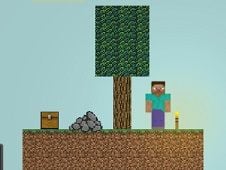
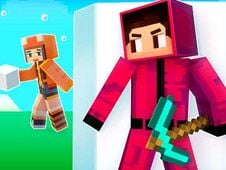
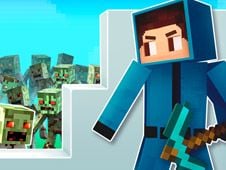
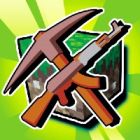
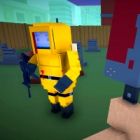
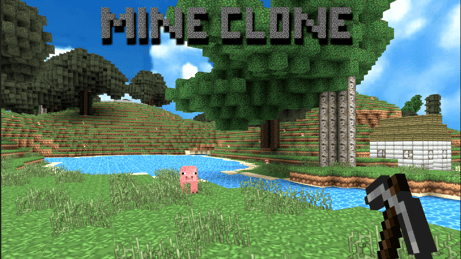
Mine Clone is a creative sandbox game inspired by Minecraft where only your imagination restricts you! Jump into a blocky world, mine resources, craft tools, and build anything from a simple shelter to huge cities. Whether it is exploring, surviving, or designing, Mine Clone promises infinite possibilities in a pixelated charm.
Playing Mode
Mastering the Mine Clone with the following controls:
- Movement: WASD or Arrow Key
- Switch Weapon: Mouse Scroll Up
- Attack: Left Mouse Button
- Inventory: Press E
- Place Blocks: Right Mouse Button
- Jump: Space Bar
- Task Menu: Press F
- Use Accessory: Keys 1, 2, 3, or 4
- Menu: Esc
Start by gathering materials, crafting tools, and creating a world of your dreams, block by block!
Tips & Tricks
- Plan-for-it: Try to sketch a rough layout before building to save time and resources.
- Dig Deeper: Rare materials are hardly found underground or, even rarer, in caves.
- While Night: These hostile mobs will appear after dark; so get shelter early!
- Efficiency Counts: Better the tool, like pickaxe, better the mining.
- Creative Mode: Want to get unlimited resources? Then just go for creative mode for stress-free building.
Play Unblocked
Stuck at school or work? Mine Clone is usually playable on restricted networks. Test out the browser-based versions or see if the admin might be willing to allow gaming during break-times!
Now grab your pickaxe, and adventure awaits you in the blocky!
Play Mine Clone on your Mobile

Span the QR Code with your mobile device camera to play Mine Clone
You can enjoy this game on mobile and tablet(such as iPhone, IPad, and Android device)
 Block Blast